Devlog · 15 November 2026
The controller did not work, and the reason was three layers down.
The short answer
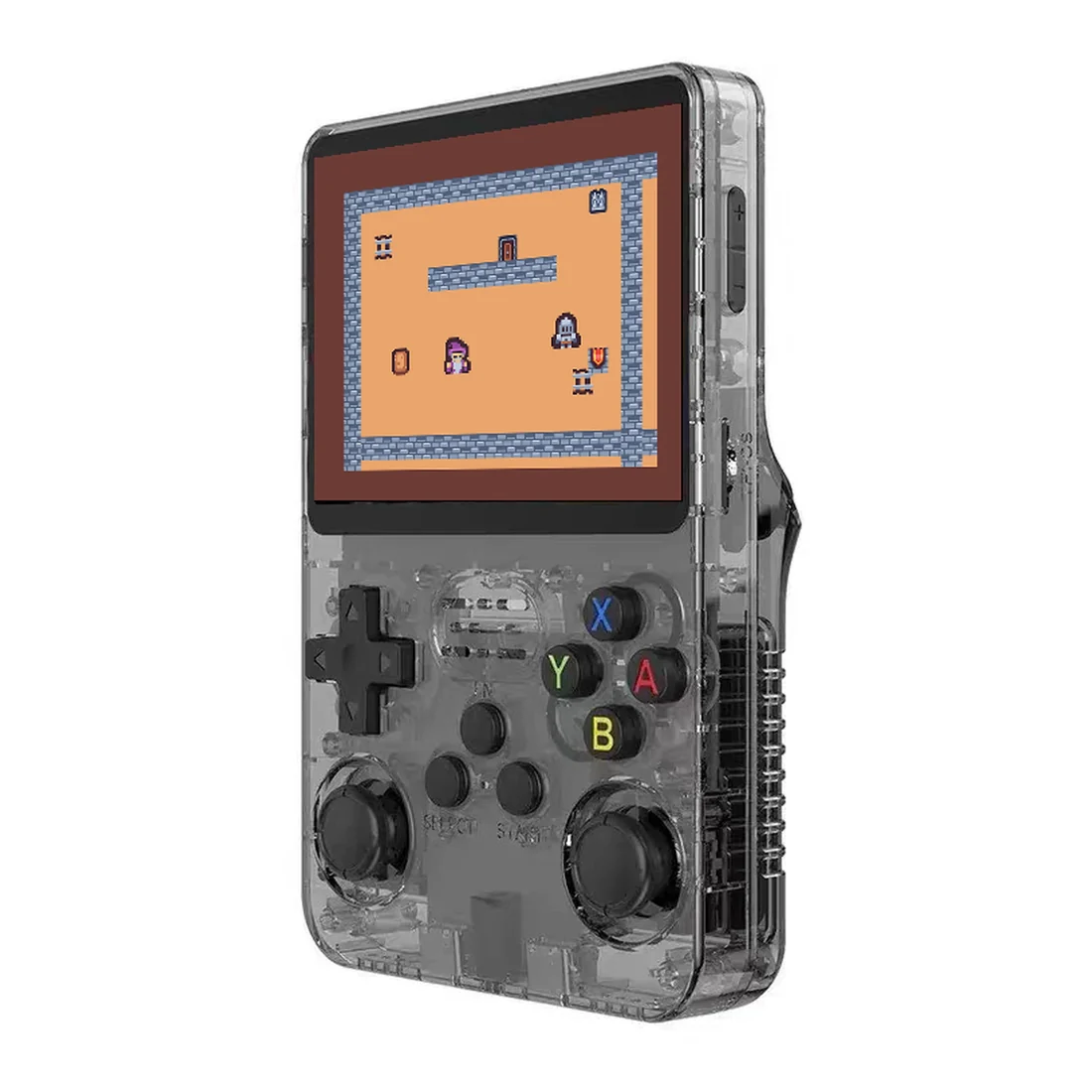
The R36S does not present one gamepad. It presents two devices: an adc-joystick carrying only analog axes, and a gpio-keys device carrying only buttons. That split comes from the hardware design — the stick goes through an ADC mux, the buttons are plain GPIOs — and it is fine on the vendor system because the vendor’s software copes with it.
RetroArch does not. SDL, and RetroArch on top of it, treats each physical device as a separate controller; it will not merge buttons from one device with axes from another. Pick the stick device and every button is dead. Pick the button device and the stick is dead.
Our first fix was a userland bridge that combined both devices into one virtual gamepad. It produced input, but the button order RetroArch assigned to that device did not match any mapping we could derive from the kernel’s key codes. Rather than keep guessing at indices, we replaced the approach: the bridge now emulates a keyboard, and RetroArch is configured with plain keyboard bindings, which are unambiguous.
1. The black screen was not the emulator core
Before any of that, games launched into a black screen while the process stayed alive. The journal was repeating c_RkRgaBlit failed once per frame. The vendor’s RetroArch build is linked against librga.so.2 — Rockchip’s private 2D blitter — and uses it to copy frames to the display. A mainline kernel has no RGA driver, so the copy fails and the panel stays black even though the emulator is running at full speed underneath.
The fix was not a core change: it was replacing the emulator itself with Debian’s stock RetroArch 1.20, which renders through KMS and the open panfrost driver like any other Linux application. Verified on the unit: GL context reports Mesa / Mali-G31 (Panfrost), and a ten-second run pushed 359 frames with the GPU path, no RGA calls.
2. Two devices, one player
With a stock RetroArch installed, the next problem was the one described above. The bridge we settled on translates physical keys to keyboard keys — A to X, B to Z, the d-pad to arrow keys, Start to Enter, Select to RightShift, and the analog stick to arrow keys once it leaves a dead zone. RetroArch then uses input_player1_a = "x" and friends, which do not depend on how any device enumerates.
One side effect worth knowing: the analog stick is reported inverted relative to what you would expect, so the bridge carries two flags for axis direction. On our unit both are set.
This is a working arrangement, not a clean one. A single virtual gamepad would be the right long-term answer; the keyboard bridge is what we could verify today. Known open items: stuck keys if the bridge dies mid-press, and the possibility of duplicate input if a second frontend is running.
3. A save file that was overwritten with empty data
One save file was found truncated to zero bytes, then filled with 0xFF— an erased flash chip. The file had been moved into a per-core subdirectory by RetroArch’s save sorting earlier, the game loaded an empty save from the expected location, and on exit the emulator wrote that empty state back.
We have not proven the root cause. Disabling save sorting and forcing saves into the content directory is a mitigation, not an explanation. The file was restored from an offline copy taken before the incident. Until repeated save / exit / reboot cycles are tested, save reliability stays marked as unverified here.
4. Chinese file names inside ZIPs
A ROM supplied as a ZIP with GBK-encoded entry names fails to extract under RetroArch’s UTF-8 handling; the log shows a mojibake path and “failed to extract game from archive”. Extracting the .gba with an explicit GBK decode fixes it, and the original archive should then be moved out of the scanned directory — otherwise the frontend lists both the archive and the extracted file as two separate games.
What is verified, and what is not
Verified on the unit: GBA titles run and render; every button reaches the emulator through the bridge; the stick acts as a d-pad; Select+Start exits a game; a save file restored from backup is read by the game.
Not verified: save reliability across repeated power cycles; N64 and PSP performance; whether the keyboard bridge survives a crash of the bridge process; and behaviour on board or panel revisions other than the one we tested.
The next entry will cover the first flashable image and what happened when it was written to a fresh card. If you are following along, the kernel write-up explains the base this all sits on.