01 / YOUR BUILD
Know your revision.
V12, V21 or V30. See the available colors and optional hardware before choosing your configuration.
Compare board options ↗R36S / THE OPEN HANDHELD
The R36S is a 3.5-inch Linux handheld with a 640×480 screen, an RK3326 quad-core chip and a transparent shell, sold here as a bare device. It runs community software, opens with four screws, and the games you put on it are yours to choose.
Delivered to the US from $57.90Bare handheld, shipping and import duty included. Hardware add-ons are extra and are priced in your quote.
Explore the R36SV12 · V21 · V30
Three board revisions and a wide choice of finishes, in one small handheld you can open, flash and repair.
WHAT IT FEELS LIKE
Warm pixels, honest buttons and a shell you can see straight through. What you load onto it is your choice, and yours to own.
See the configurations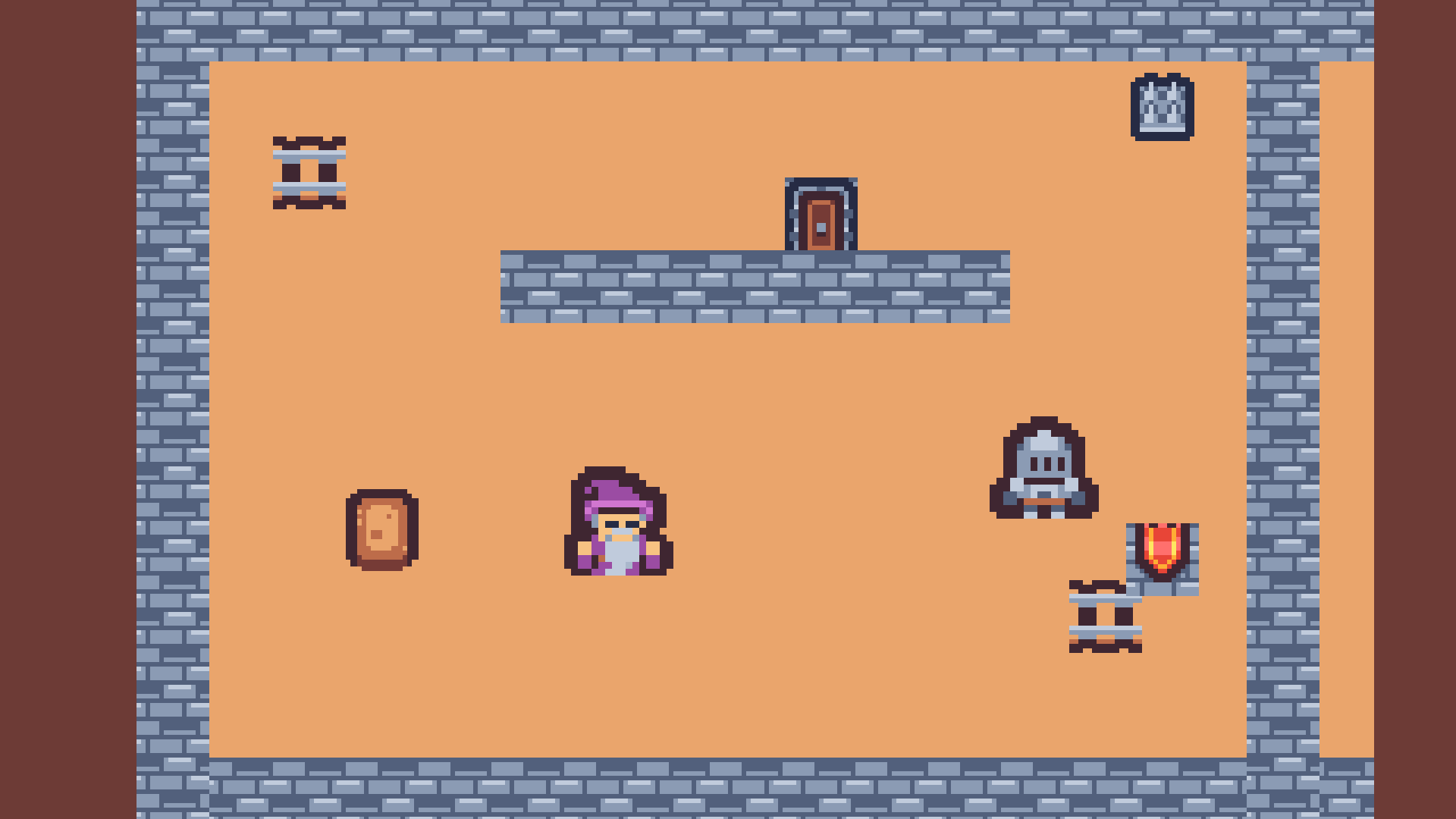
01 / THE SCREEN
Square pixels and a warm palette, on a screen small enough to feel deliberate.
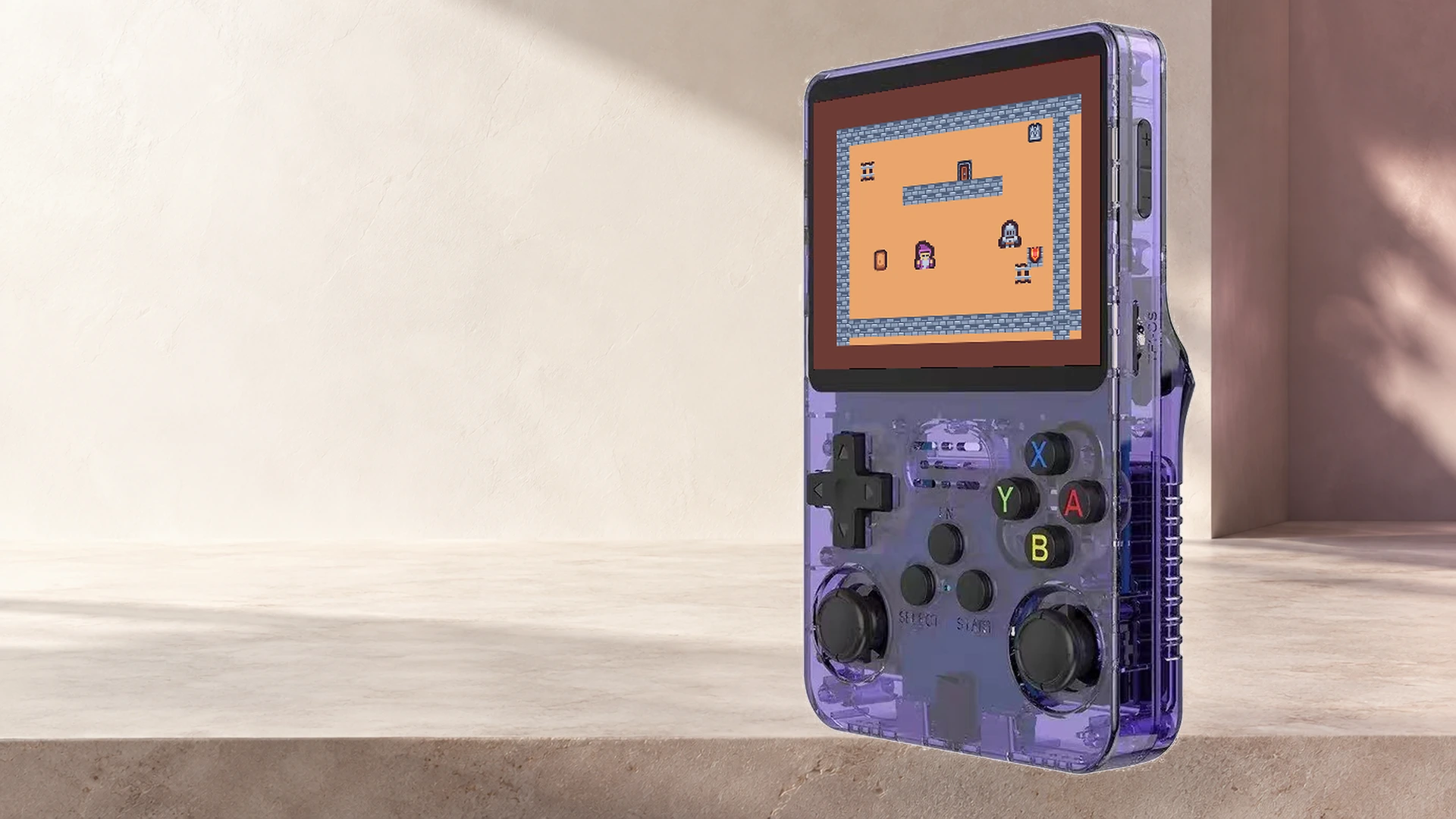
02 / THE OBJECT
A transparent shell, real sticks and a full set of buttons.
Hardware specifications are on the product page
STRAIGHT ANSWERS
From $57.90 delivered to the US, shipping and import duty included. V12 is the entry board; V21 and V30 cost a few dollars more. Add-ons are priced separately in your written quote.
8-bit and 16-bit era systems — NES/FC, SNES/SFC, Game Boy/GBA, Genesis/MD and arcade. It is not a PlayStation 2 machine, and we do not sell it as one.
The handheld arrives bare, with a charging cable and printed instructions. Cards are optional; the system is flashed before dispatch. Nothing copyrighted is included, and no games are promised.
SENT IN BY OWNERS
Nothing on this wall was staged for the shop. These are the units as they arrived and as they get used: a transparent purple shell with the cable still in, a black one with paw stickers somebody put on the buttons themselves, a white one on its first boot.
Choose your own finish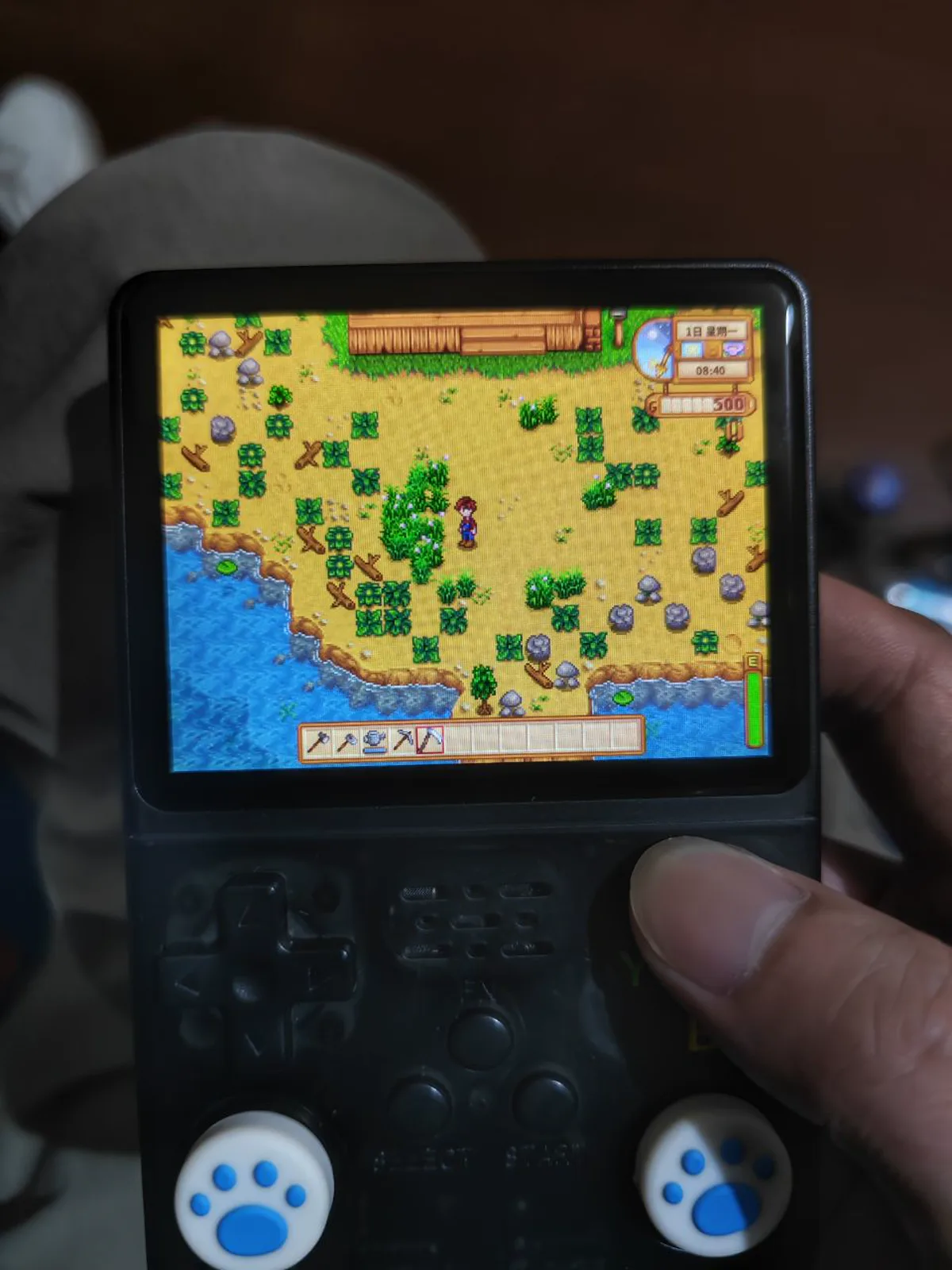
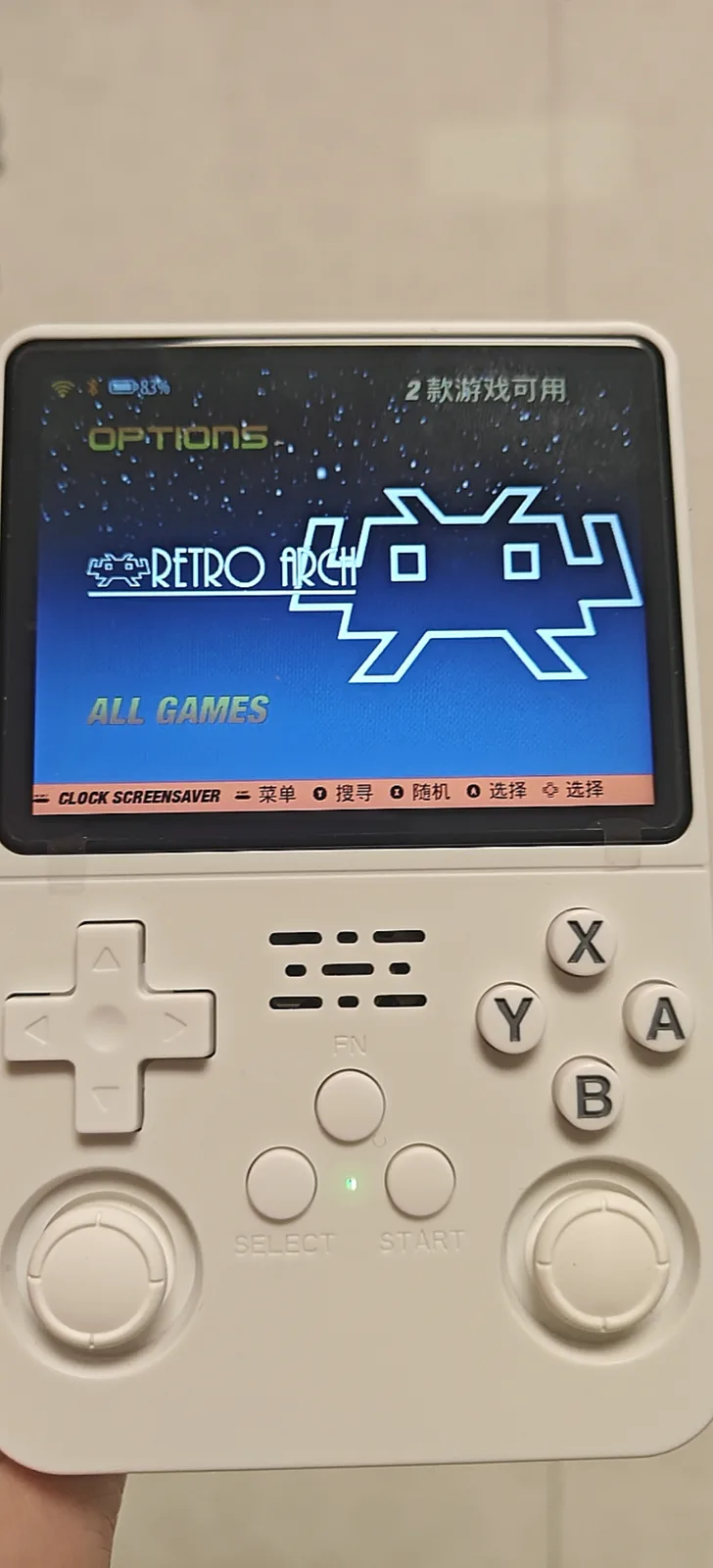
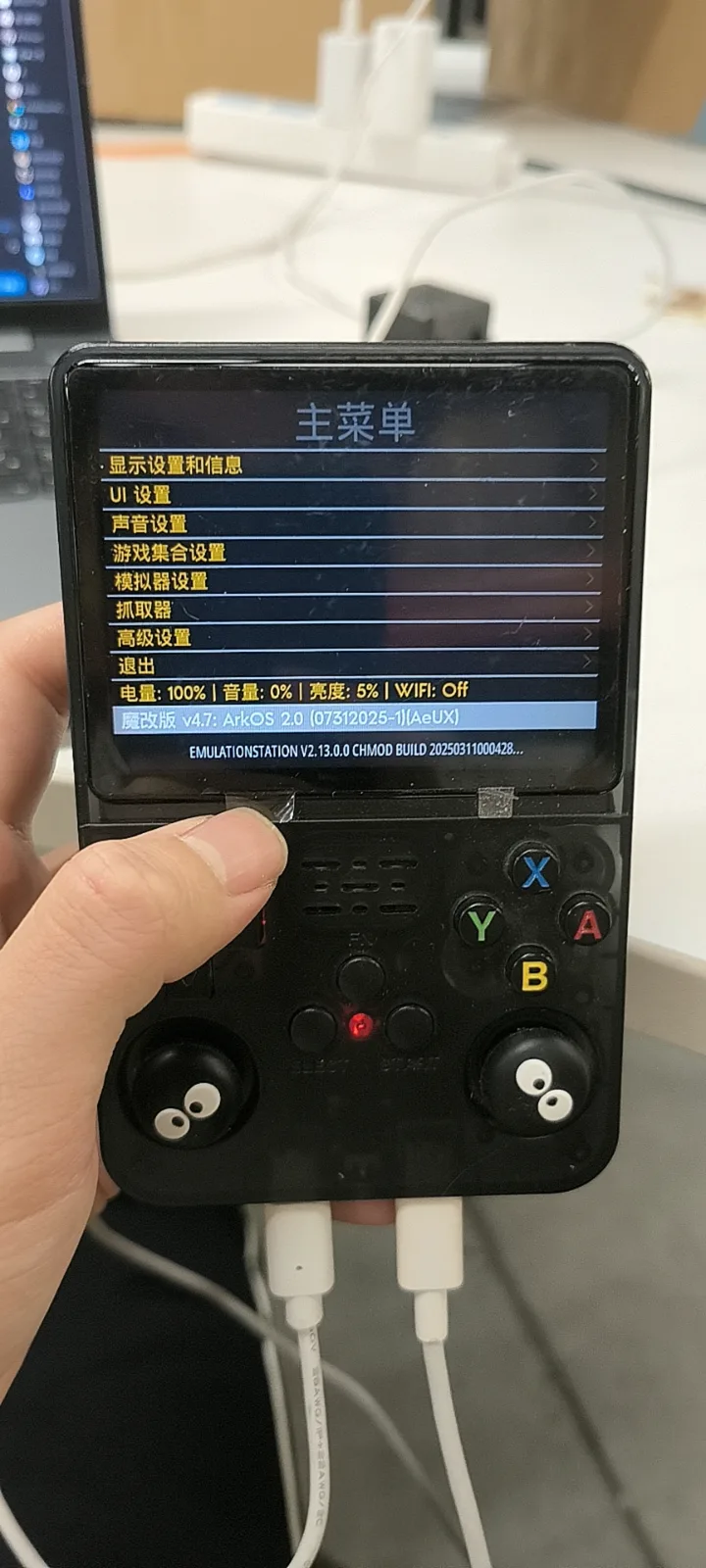
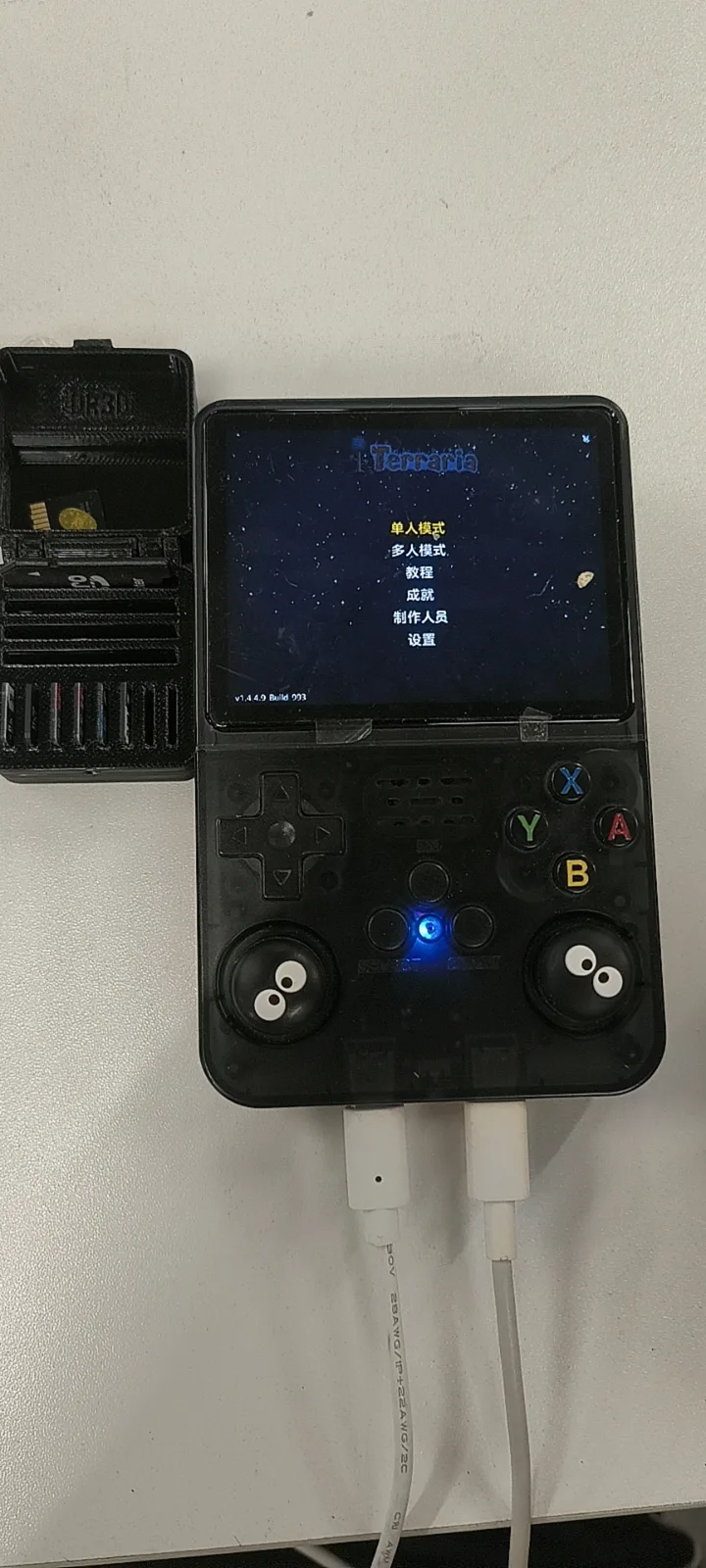
The screens photographed here are running software that unit's owner installed.
OPENED UP
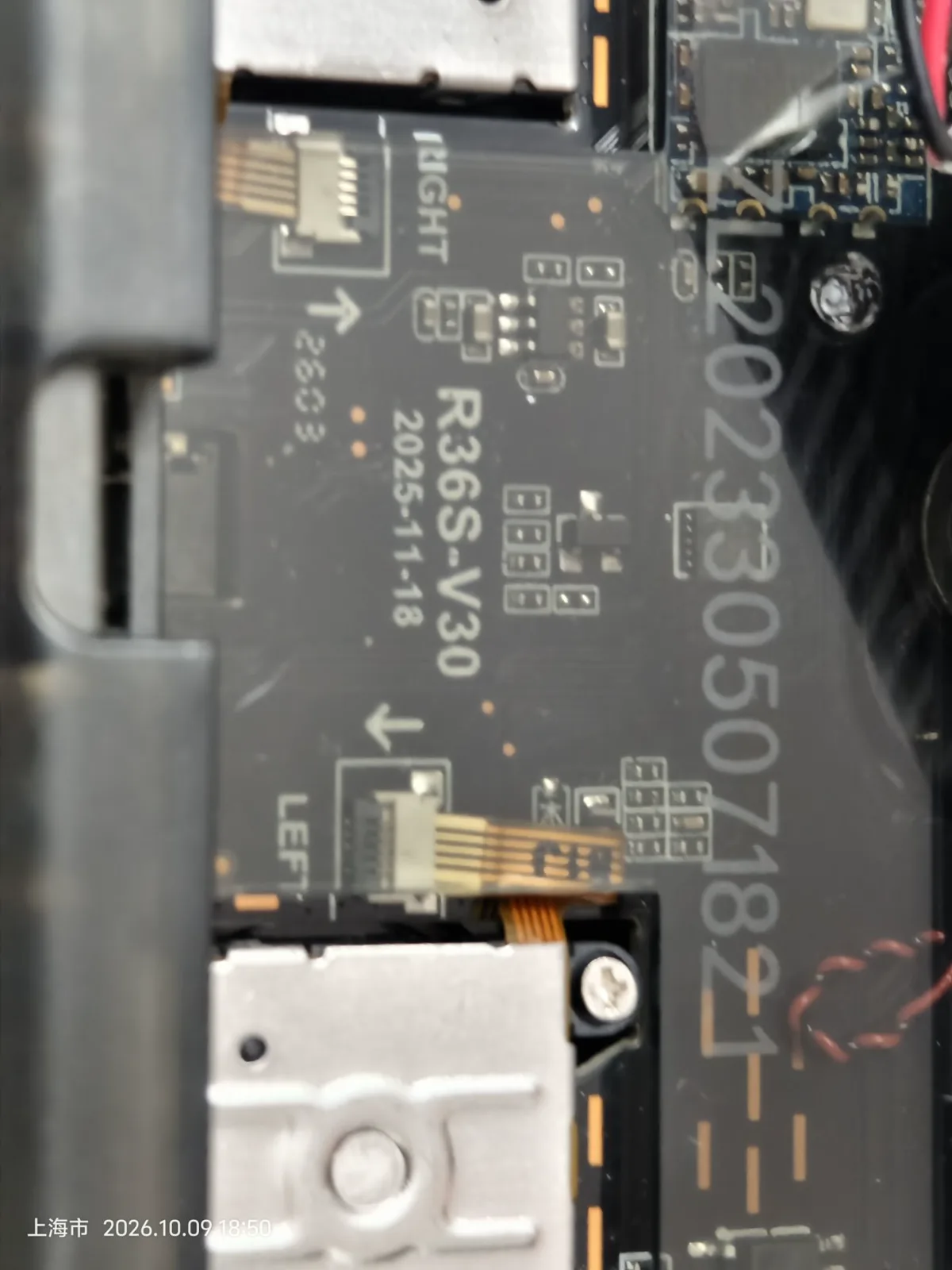
A V30 board with the back off: the silkscreen reads R36S-V30 and 2025-11-18, and the shoulder pads are marked RIGHT and LEFT at the edges. That date and that marking are how you tell a V30 from a V21 or a V12 once the shell is open — which matters, because the two revisions take different firmware.
Compare V12, V21 and V30FRONT AND BACK
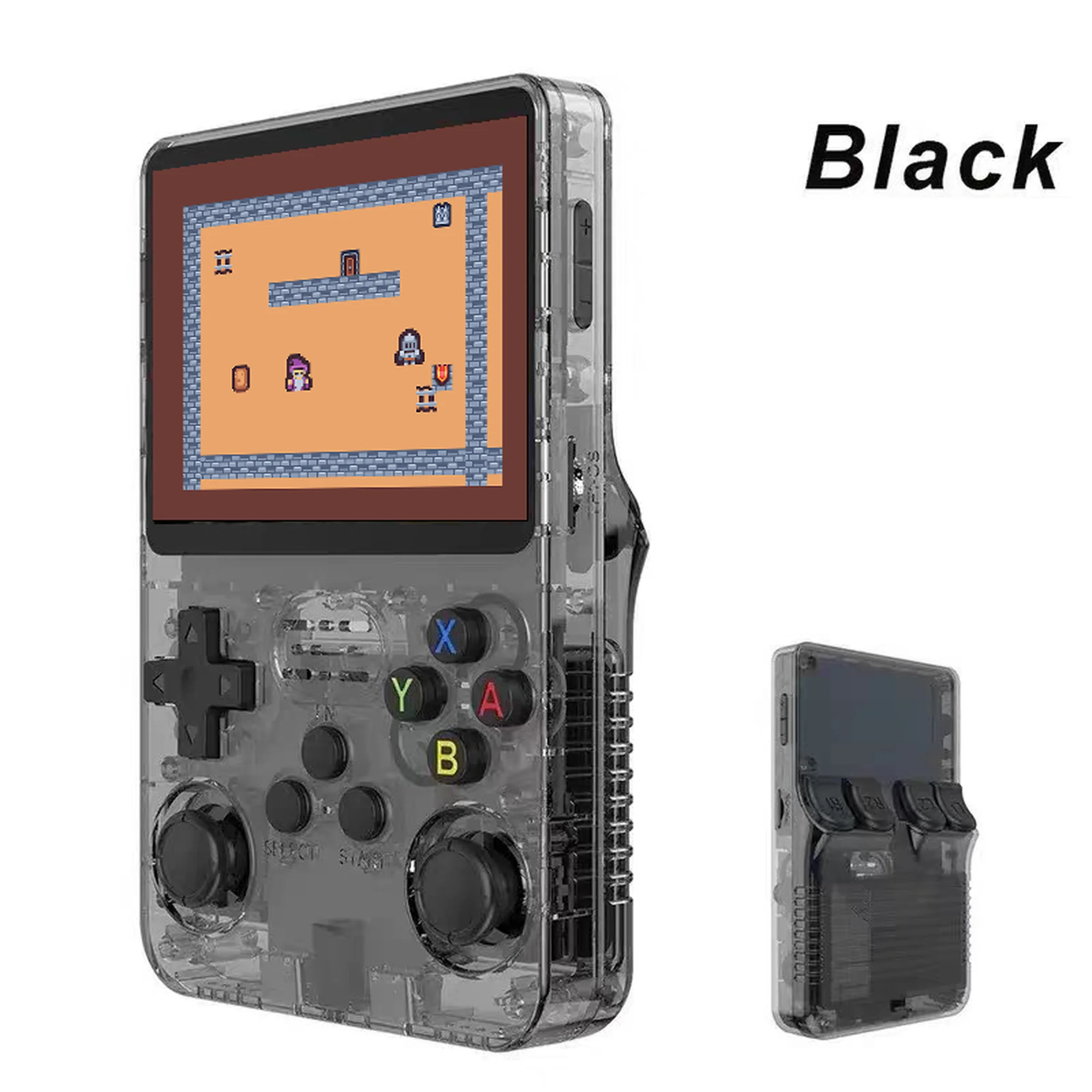
Fifteen finishes exist across the three revisions, and three of them turned up in the photos above. Here are the transparent black and the white finishes, front and back, so you can see what the inside of the shell looks like before you own one.
Board revision and finish are chosen separately
See all fifteen finishes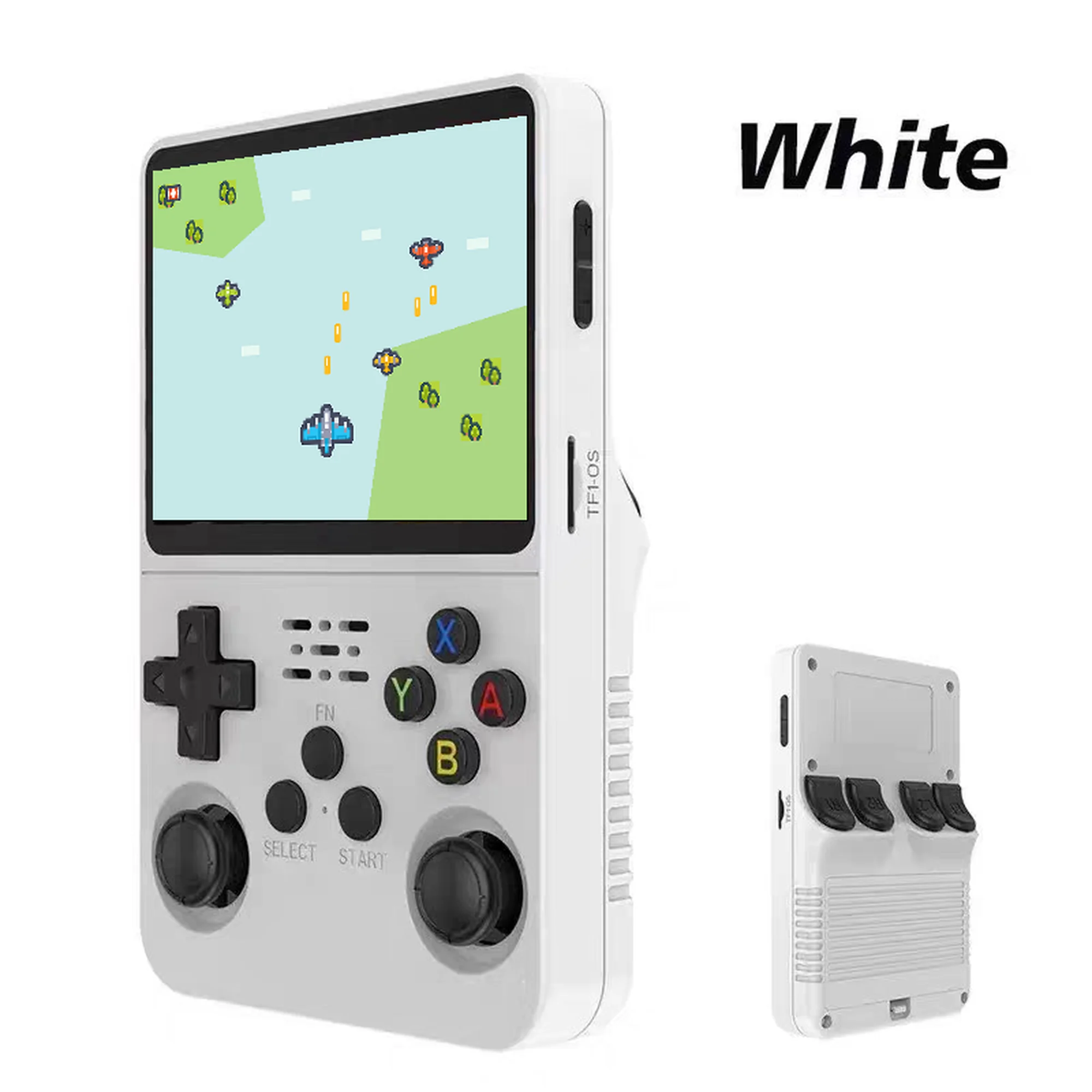
THE MOMENT IT ARRIVES
Handhelds are handed over. Wrapped, unboxed, passed across a sofa. It is the part of this shop that never fits on a spec sheet.
Explore the R36S01 / YOUR BUILD
V12, V21 or V30. See the available colors and optional hardware before choosing your configuration.
Compare board options ↗02 / YOUR SETUP
The handheld and printed instructions. Your quote confirms the system medium, software contents and delivered cost.
See what's included ↗03 / OUR STORY
A small shop that began with community firmware, FlashLaunch and a curiosity about what little devices can do.
Read the story ↗04 / THE BLOG
The questions that arrive after the box does: a save that vanished, Wi-Fi that drops when you unplug the cable, which system to flash, and what the screen can actually run.
Read the blog ↗