Devlog · 15 November 2026
Flash a blank card. Press power. It boots.
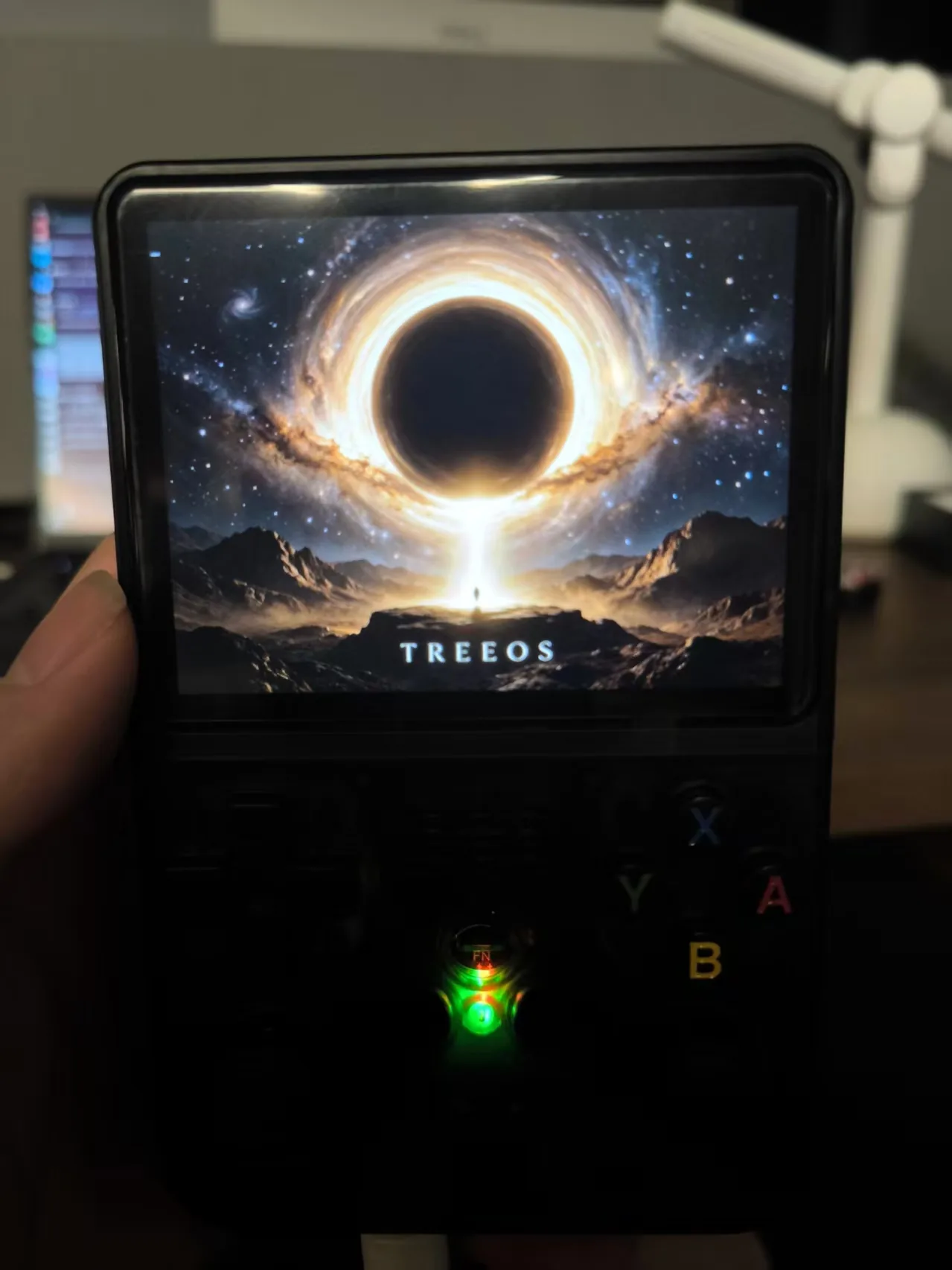
The failed first attempt
The image was built, checksums matched, and the card was written with dd … conv=fsync. It reported every byte copied. Then the handheld showed a black screen with no backlight — the kernel never started.
The write itself looked fine: the bootloader area on the card matched the image byte for byte. But sector 1 still contained an old GPT header, which should have been overwritten with zeros. That inconsistency — a sequential write that did not cover the whole first region — was the clue: the card’s partitions had been auto-mounted by the desktop, and writing a whole-disk image under mounted partitions produced an unclean result.
The fix is boring and worth repeating: unmount every partition, run wipefs -a, zero the first 32 MiB, write the image again, then verify two things before trusting the card.
What was verified on the card
Before booting, we read the card back and checked two facts:
1. Sector 1 is all zeros. No leftover partition-table headers from whatever the card used to hold.
2. The bootloader at sector 64 matches the image. The 64-sector block reads as 02038d96e902c6fa51541ab1b761d724 — the same hash as the image file. Not “it wrote without error”: the bytes on the card are the bytes we intended.
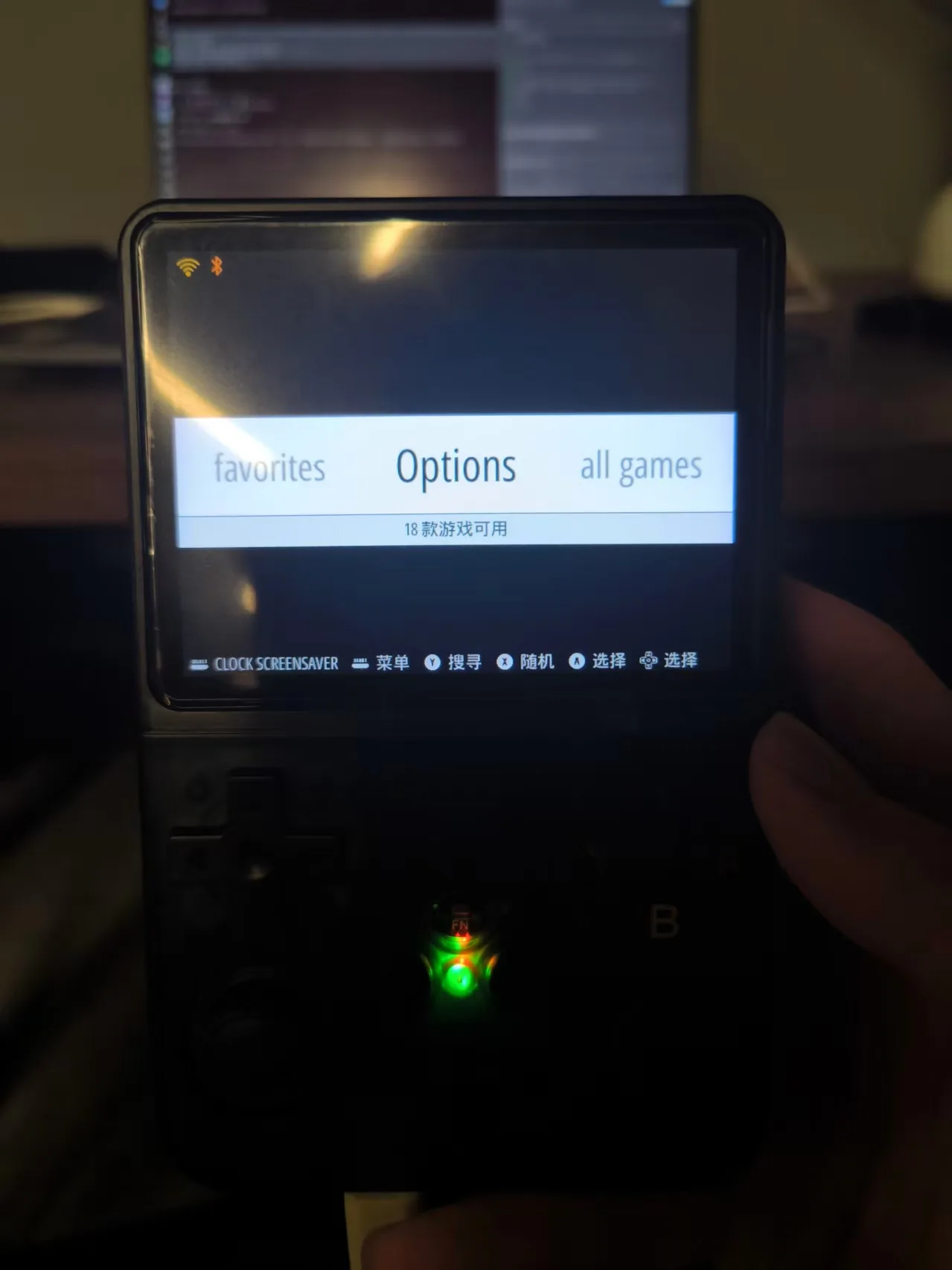
Only then was the card put back in the handheld. It booted to a Chinese menu listing 18 entries, connected to WiFi on its own, and the power LED showed normal state. “Flash and it boots” — for this card, on this unit, verified.
What this does not prove
One card, one unit. The card writes at roughly 2.6 MB/s, which is why a 16 GiB image took about 110 minutes to flash; a different card will behave differently. The acceptance list for the image still includes cold boots, game launch, save and reboot, and other board revisions — none of that is done yet.
One thing did surface that we are treating as a release blocker: because the image was built from the working card’s root filesystem, it carries that card’s WiFi credentials. That is convenient for a personal card and unacceptable for anything published. The next image will strip network profiles, SSH keys, shell history and game-list caches before it is built.
Next
Run the rest of the acceptance pass on this card — game, save, power off, boot again, read the save back. Then cut a clean v4 image without personal data. The input and emulator work that made this possible is in the previous entry.